
What to Put on a Personalized Pet Tag
Published 2026-09-12
Choose a pet name and phone number for your personalized Pet Tag. Check spelling, curved lettering and the saved layout before putting the design aside for later.
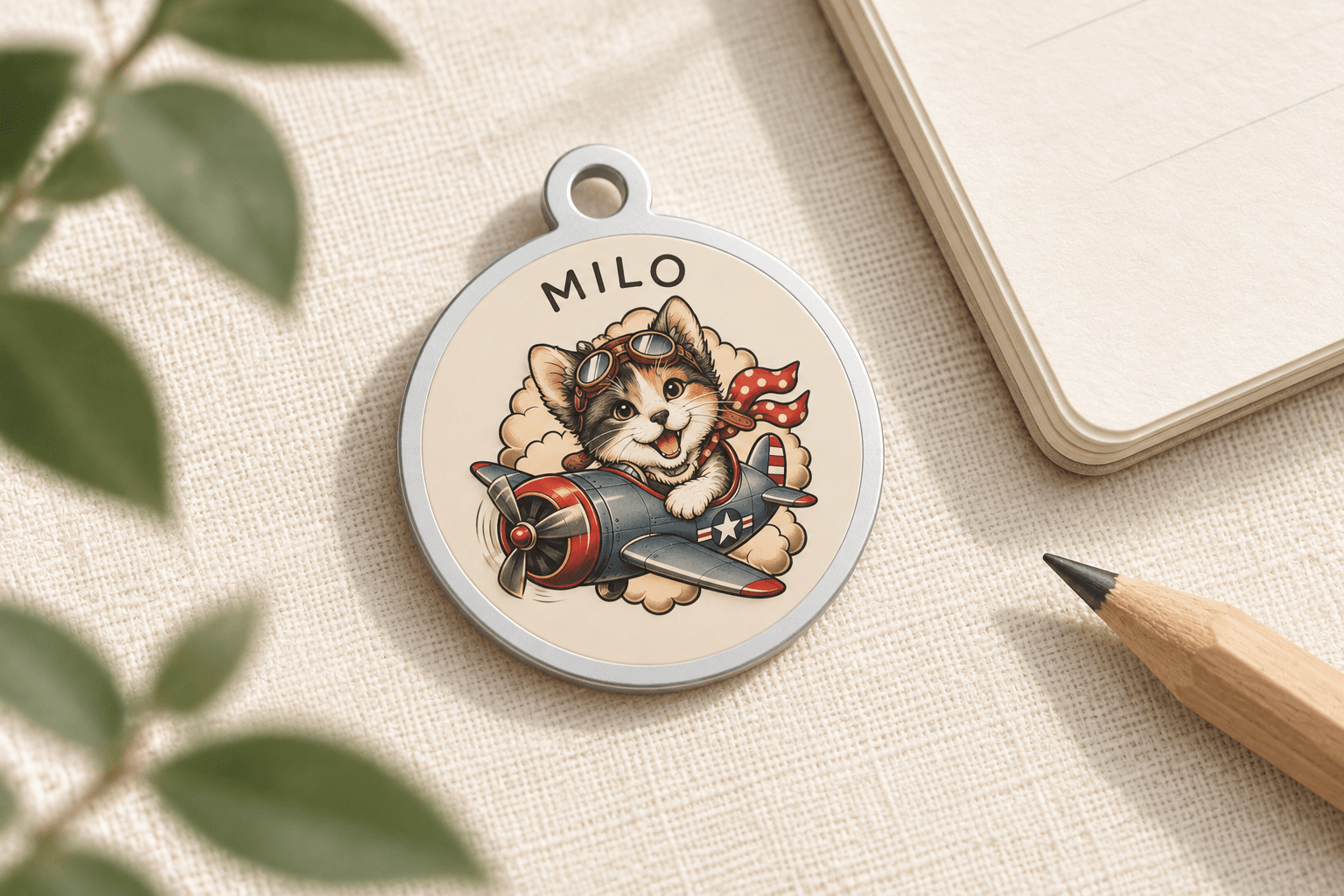
Start With the Name and Number
The most useful place to start is simple: choose the pet name you want displayed and a phone number you check regularly. Then review those exact details in the tag layout, alongside the portrait.
TailGift Pet Tags are Coming Soon. Design previews can be saved, but purchasing is not open and pricing has not been announced. New artwork generation is not currently available; you can explore the sample design or use artwork you already have. This guide covers the lettering and saved preview rather than placing a paid order.
Choose One Version of Your Pet’s Name
Decide whether you want the everyday name, a nickname or another familiar spelling. For example, if you alternate between Milo and Mr. Milo, choose the version you actually want to see on the tag instead of entering both by habit.
Type the name carefully and look at the complete word in the preview. Check capitalization, spaces and punctuation as well as the spelling. If the name uses accented characters or another writing system, check how each character appears in the displayed layout rather than assuming the text field and the preview will look identical.
Check Every Digit of the Phone Number
Enter the phone number yourself and compare it with a number you know is current. Read it digit by digit; a familiar-looking sequence can make a missing or repeated digit easy to overlook.
Choose a contact number that makes sense for the person who would answer. If you include a country code or spacing, review those characters in the preview too. This is a visual check of the information you entered, not a test that the number can receive calls. Avoid adding extra messages to the phone field just to fill the space.
Read the Lettering Around the Front Edge
On the current TailGift layout, both the name and phone number follow the front edge of the tag. Read the whole name and the whole number around that curve, then look at how they sit with the artwork.
The designer offers 30, 35 and 40 mm preview sizes. Choose a size before your final check, and inspect the layout again if you change it. An enlarged screen view can help you spot spelling mistakes, but it does not establish how readable the text will be on a finished product. Reference dimensions remain subject to production confirmation.
Keep the portrait and lettering visually distinct. If you change the artwork size or position, check that the surrounding text still has the space you want. Do not treat a close-up image or a large browser window as an exact physical-size preview.
Save the Version You Have Checked
After reviewing the name, number, selected size and artwork placement, save the design. You can return to your saved Pet Tag design to edit it. A saved design is not a paid order and does not add to the payment total.
The current personalized view is a flat artwork placement preview. It does not automatically turn your pet portrait into a relief model or show a manufactured sample, and no designer review is required to save the layout. If you come back and change the text, size or artwork, review the updated version and save again.
A Final Lettering Checklist
Before saving, check these details together: • The pet name uses the spelling and capitalization you intended. • Every digit of the phone number matches your chosen contact number. • Any spaces, punctuation or country code appear as intended. • You have reviewed the name and number around the front edge at your selected preview size. • The artwork placement leaves the lettering visually clear. • You have saved the version you just checked.
If your contact number changes later, return to the saved design and update it before relying on the old layout for a future order. For current availability and preview details, visit Pet Tags through the links below.